
Add and Delete Administrator(s)
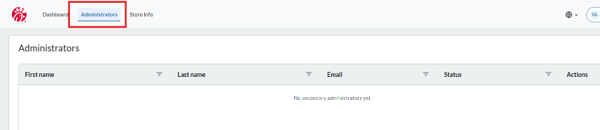
To access Administrators
- Click “Administrators” on your Dashboard View.
To Add Administrators
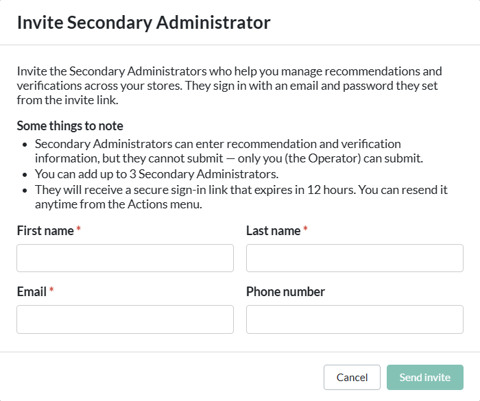
- Click “Invite”.
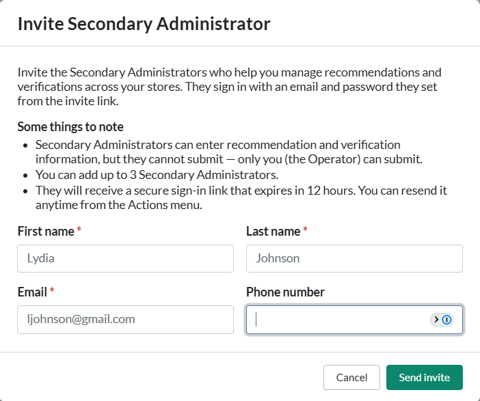
- Enter the individual’s contact information.
- Click “Send Invite”.
- The Secondary Admin will receive an email with a link to establish their account. The link will be active for 24 hours.

To resend an Invite.
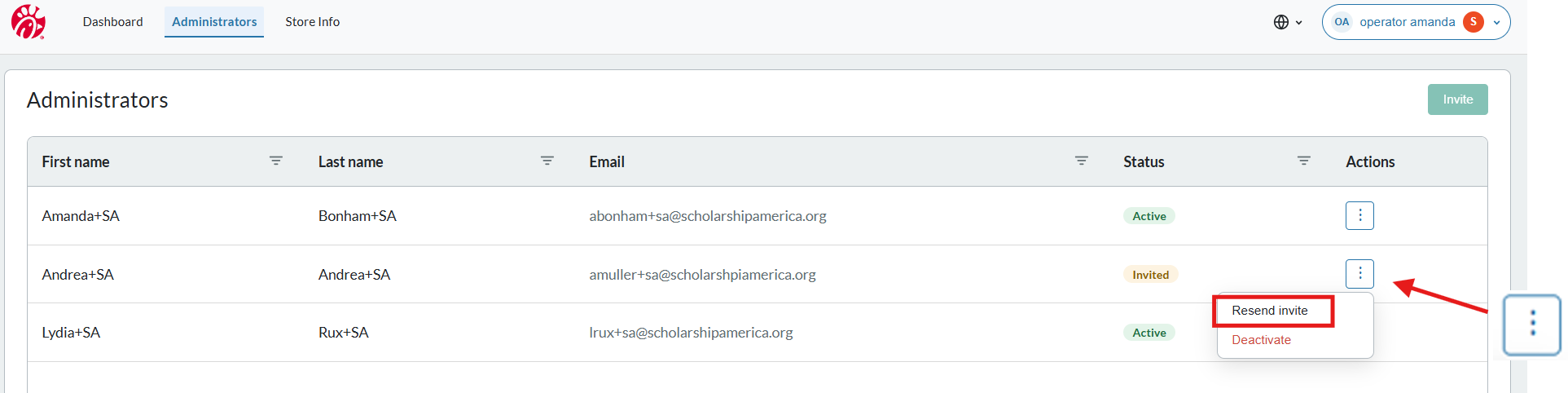
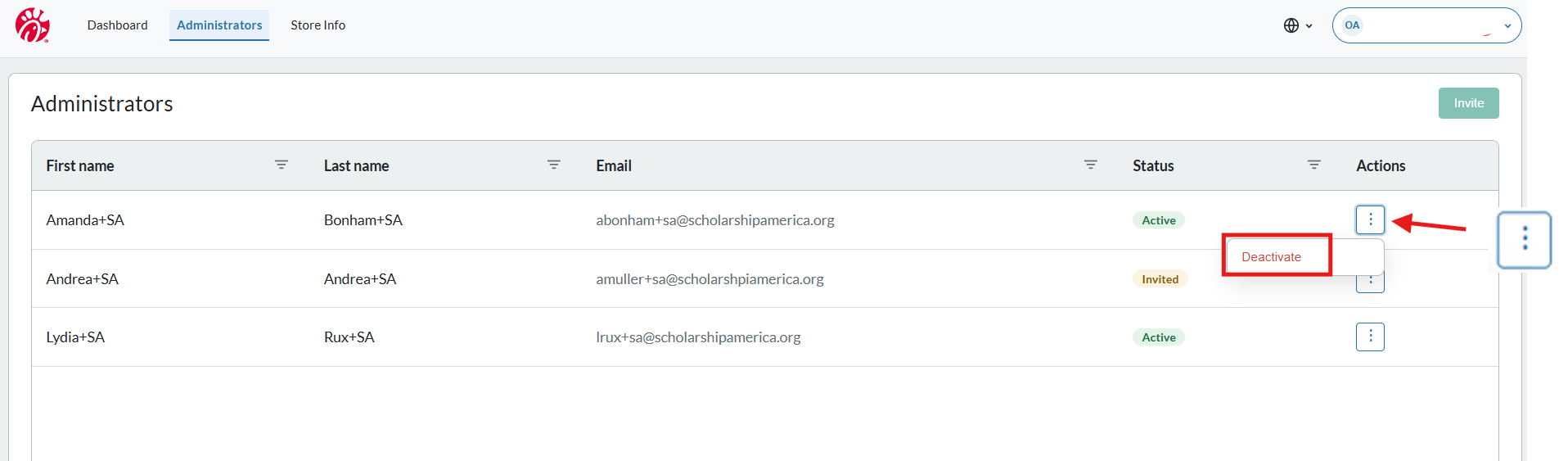
- Click the kebab menu icon in the Actions column and select “Resend Invite”.
To Remove Administrators
- Find the line for the Individual whose information you wish to update.
- Click the kebab menu in the Actions column and select “Deactivate”.
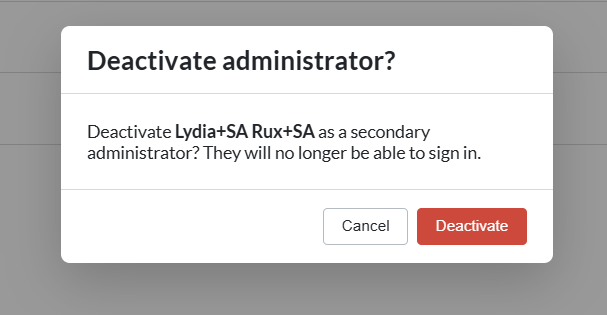
- Click “Deactivate” on the pop up screen that appears.
This scholarship is administered by: